
Order Desk can integrate with Zendesk to display customer purchase information from Order Desk within the Zendesk interface.
Setup
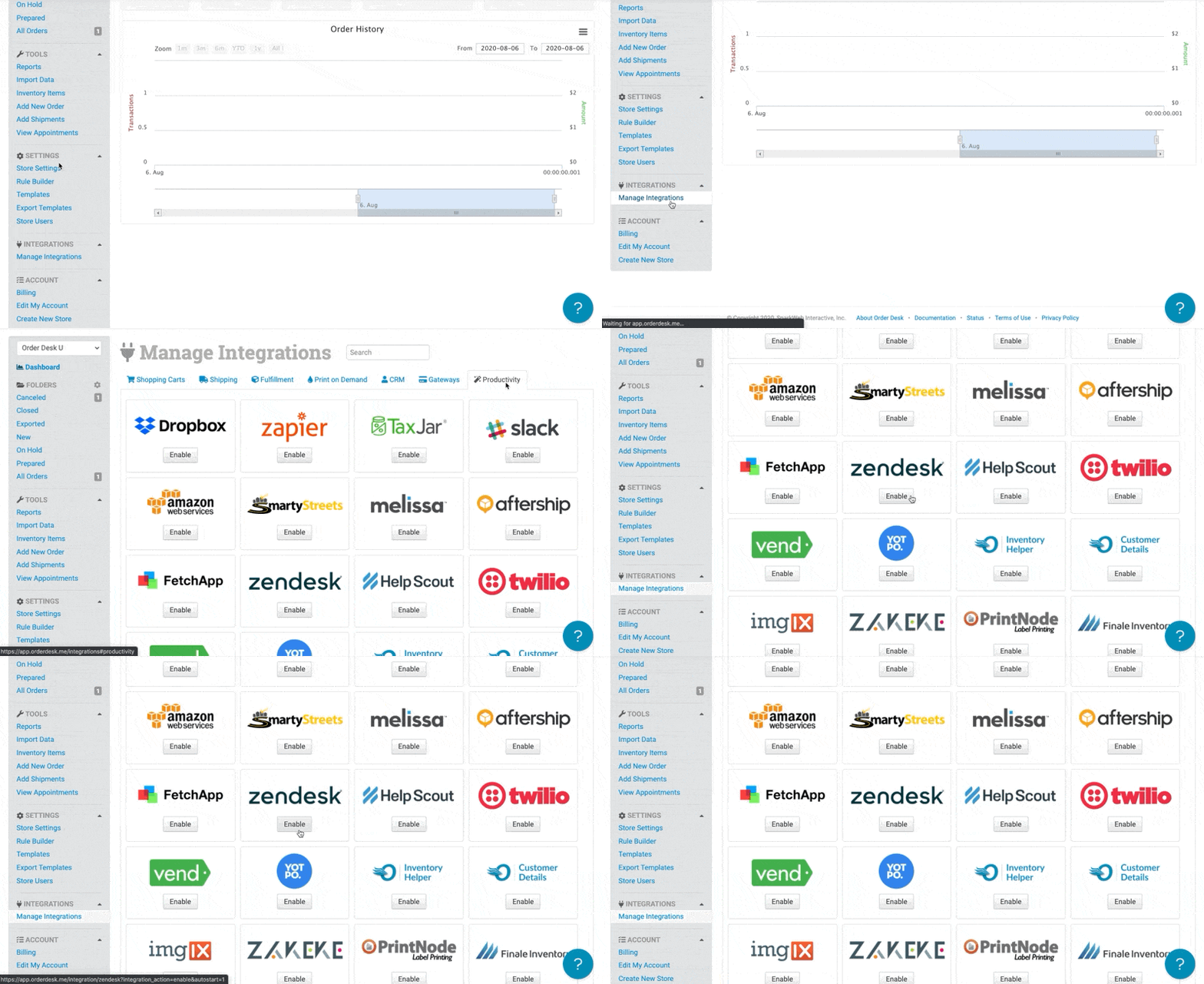
To enable the integration, click on Manage Integrations in the left sidebar. Under the Productivity tab, find and enable the Zendesk integration.
Settings
Setup Instructions
The Zendesk setup instructions will have you download the Order Desk app and upload it into Zendesk to secure the connection between the two applications.
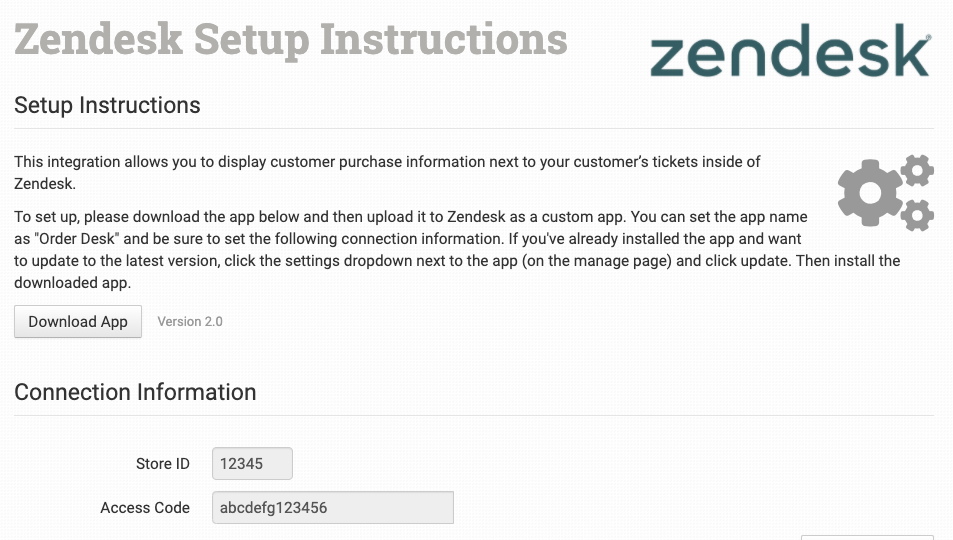
After clicking Download App find the Order Desk application download in your computer’s files. Then you can Upload and Install it as a Private App to Zendesk. If you have any issues with installing the app, please contact Zendesk support for further assistance.