
Order Desk can send your order details to Zapier giving you access to even more apps and services to help customize your order fulfillment workflow. Anything that is in an order in Order Desk will be sent to Zapier.
Setup
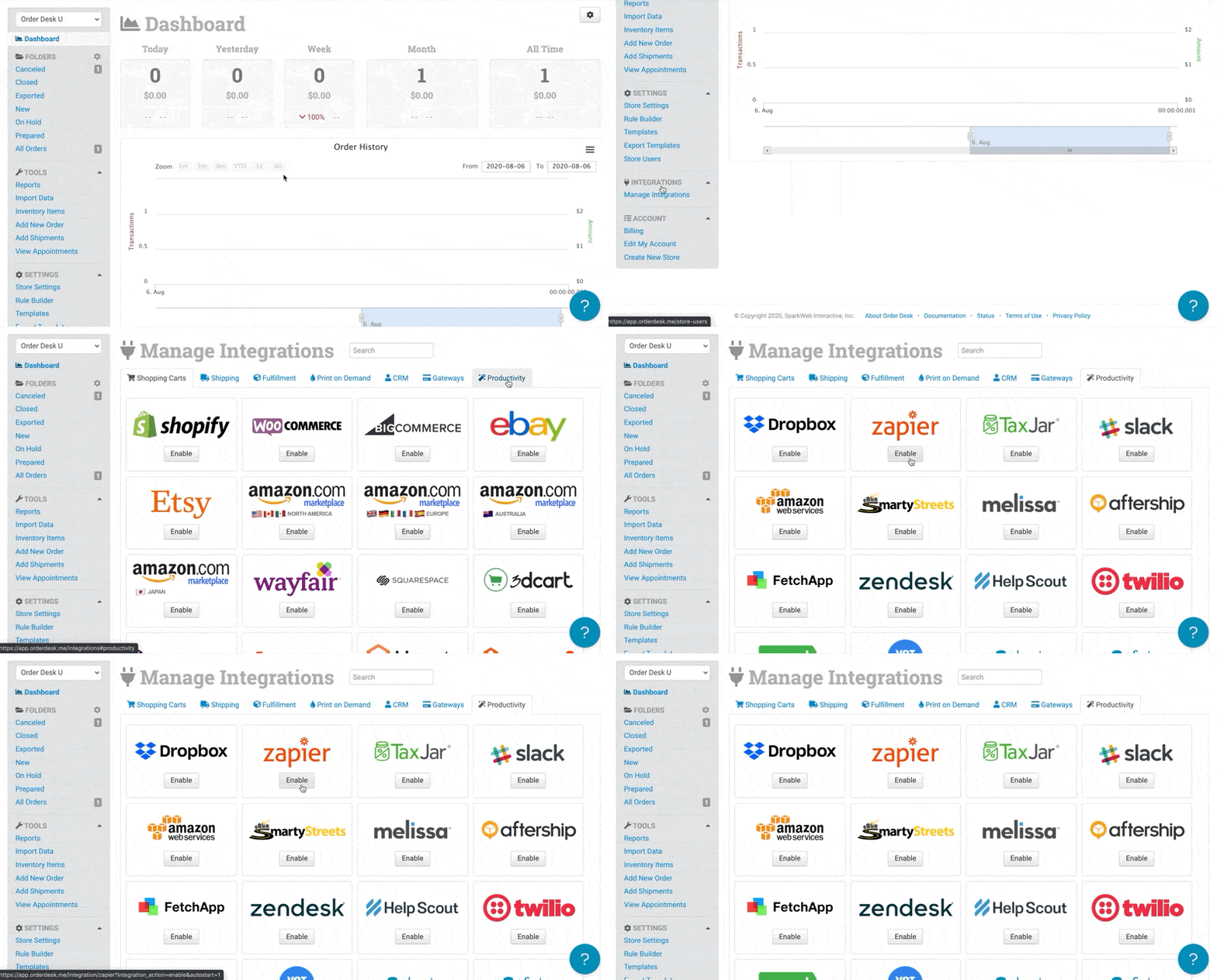
To enable the integration, click on Manage Integrations in the left sidebar. Under the Productivity tab, find and enable the Zapier integration.
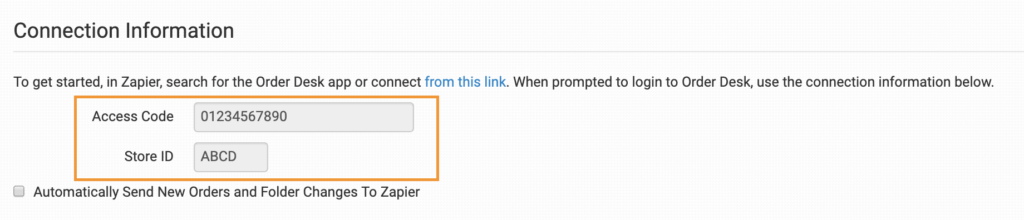
Once connected, you’ll need the Access Code and Store ID from the Zapier integration settings page in Order Desk for the next steps:
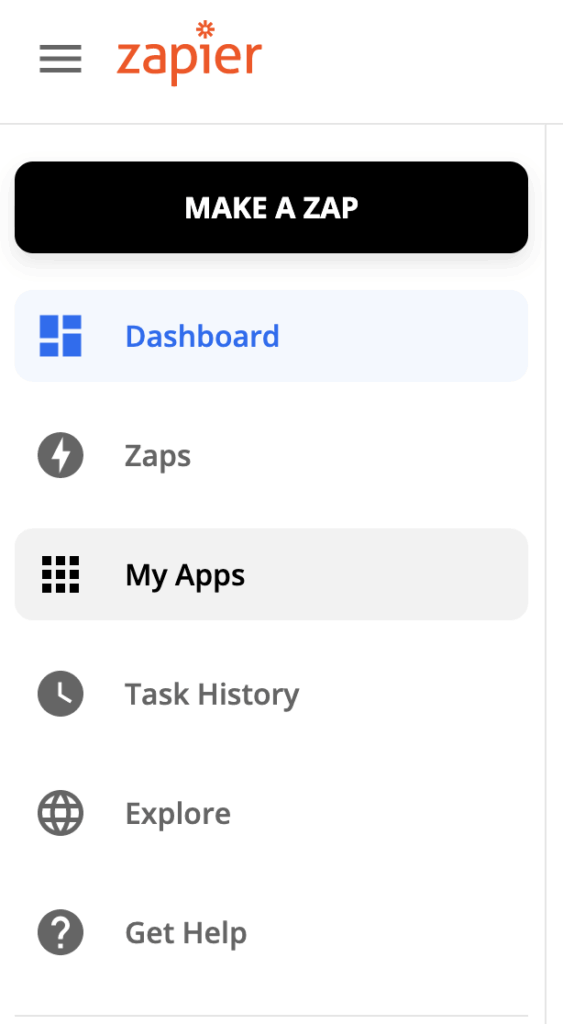
In Zapier, click on “My Apps” from the left menu bar:
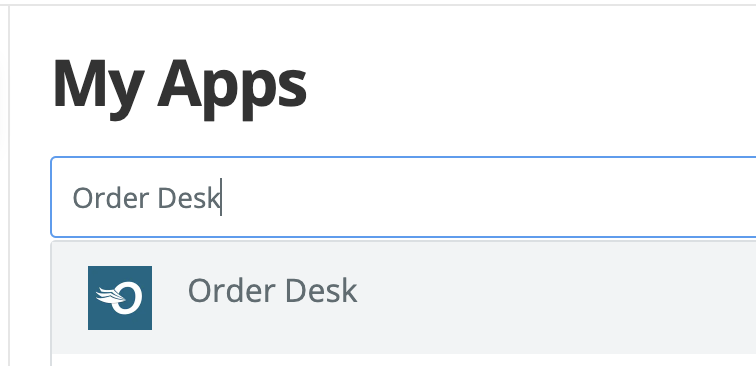
Under My Apps, search for Order Desk from the “Connect a new account…” search bar:
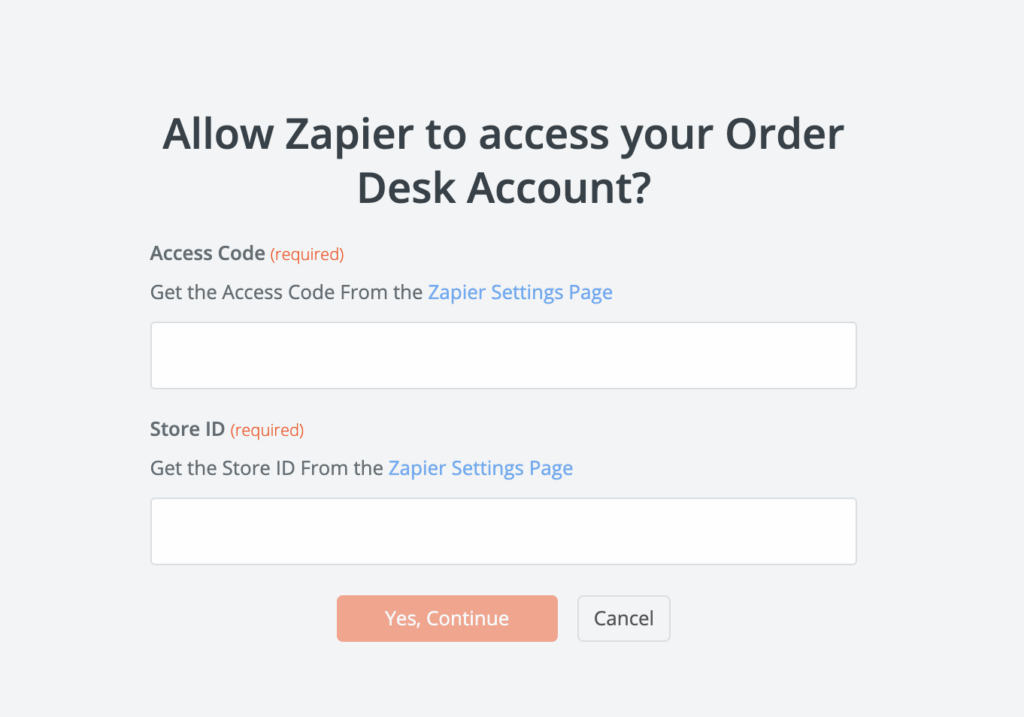
Enter the Access Code and Store ID from the Zapier integration settings page in Order Desk:
Settings

Automatically Send New Orders and Folder Changes to Zapier
Select this setting to have every order sent to Zapier as it imports into Order Desk and updated in Zapier as it moves through your folders in Order Desk.
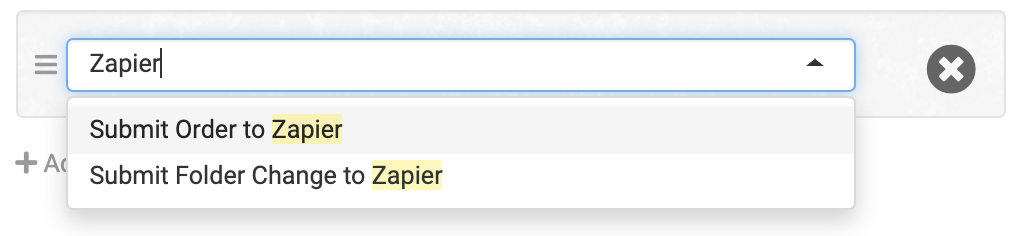
If you would rather send orders to Zapier on specific events, you can set up rules instead to tell Order Desk when to send orders and which orders to send using the Submit Order to Zapier and Submit Folder Change to Zapier rule actions:
For information on working with the Order Desk Rule Builder, see this guide.
Using Zapier with Order Desk
With a connection between Order Desk and Zapier, you now have even more options for customizing the unique order fulfillment process your store requires. Send your order information to popular apps such as QuickBooks Online, Google Drive, Zoho Inventory, Xero and others that give you more tools to automate and expand your workflow. You can also send shipment information into Order Desk from Zapier.
For ideas about what’s possible, see the Order Desk integrations page at Zapier.
Zap Trigger Events for Order Desk
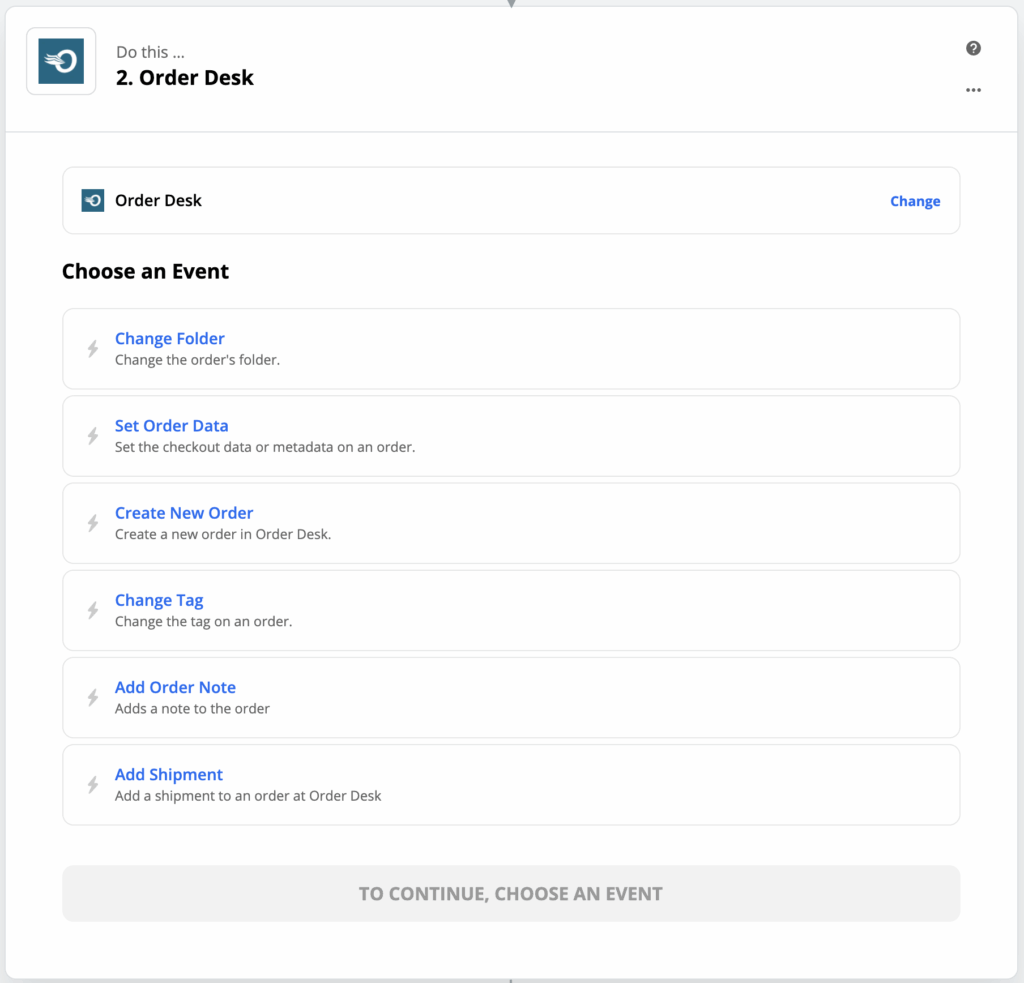
Send orders from Order Desk to Zapier automatically on import and when folders change or with rules. When the order information gets to Zapier, you can set up Zaps to take action on them.
Trigger events that can be used to tell Zapier what to do with order information are Order Folder Changed and New Order Added.
Zap Action Events for Order Desk
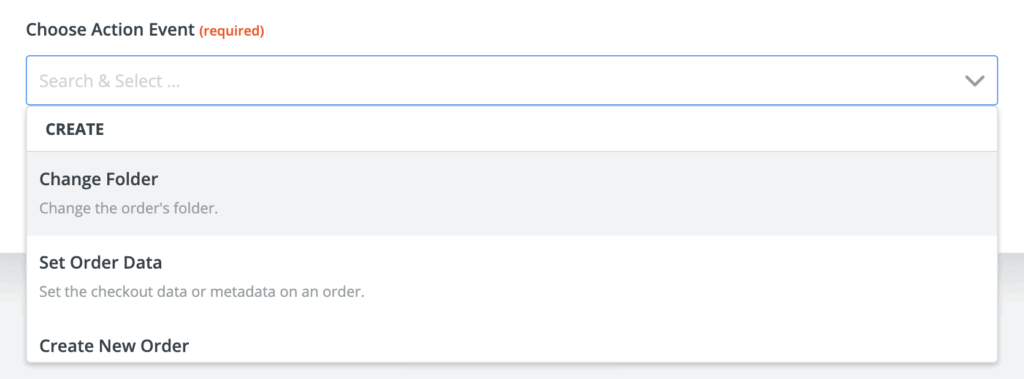
From Zapier, you can set up Zaps that will take action on orders back in Order Desk based on the apps you are connected to in Zapier.
Action events that can be used to update orders in Order Desk are Change Folder, Set Order Data, Create New Order and Change Tag.
Sample Zaps
For some inspiration on how to use Order Desk and Zapier, check out the sample Zaps at the bottom of the Zapier integration page in Order Desk.


Add new Order Desk orders as rows to Google Sheets spreadsheets
Order Desk + Google Sheets
Use this workflow
Add new Order Desk orders to Google Sheets rows
Order Desk + Google Sheets
Use this workflow

Add Order Desk order data to Trello cards
Order Desk + Trello
Use this workflow

Update Order Desk folders when new ShipStation orders are shipped
ShipStation + Order Desk
Use this workflow
Add new Order Desk orders to Google Sheets as multiple rows
Order Desk + Google Sheets
Use this workflow
Not seeing what you’re looking for?Create from scratch or learn more