
Order Desk can connect to Kit and automatically add your customers to a form there.
Setup
To enable the integration, click on Manage Integrations in the left sidebar. Under the CRM tab, find and enable the Kit integration.
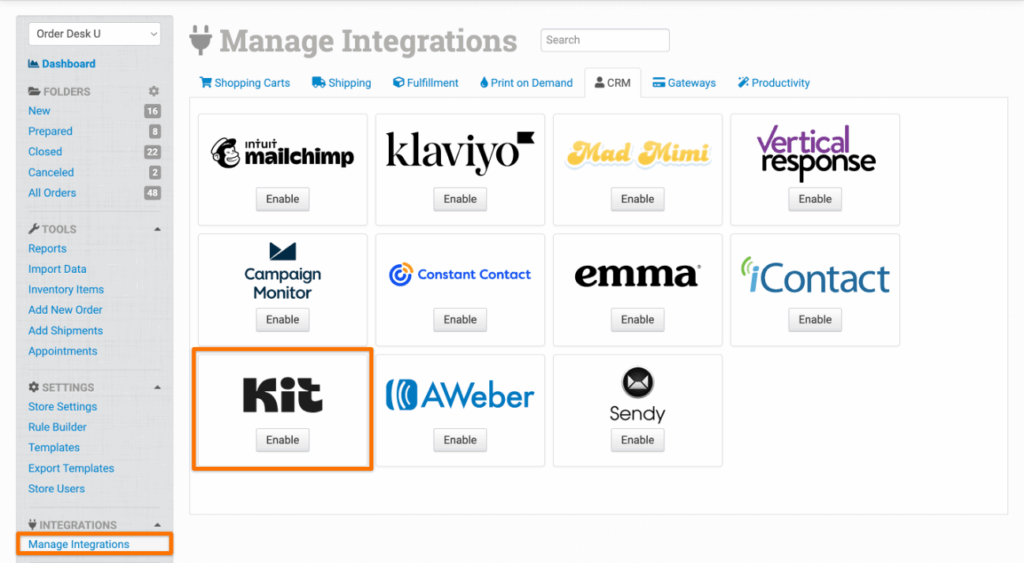
Enter your Kit API Key and click to connect.
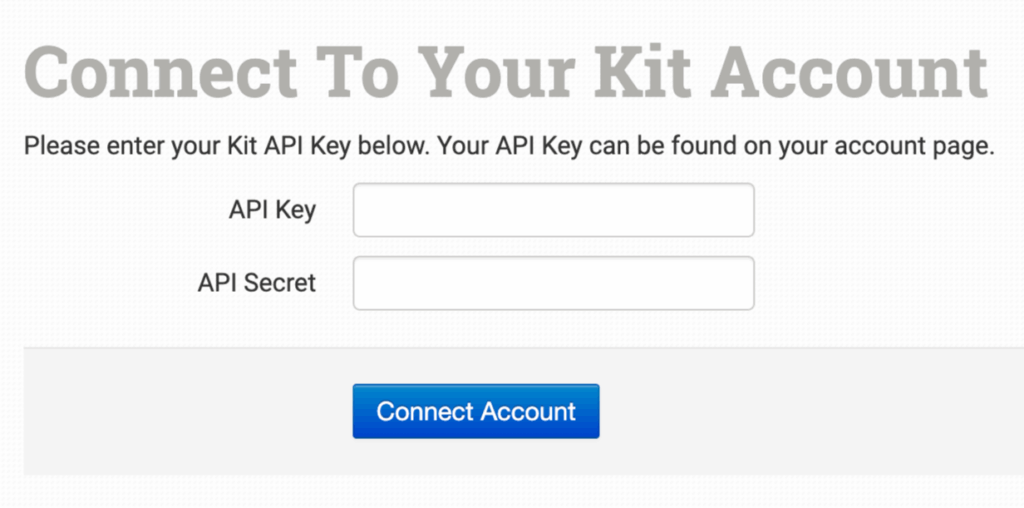
If you need help finding your Kit API Key, please contact your rep from Kit. Order Desk support is not able to help with finding or resetting your credentials, as they are created and provided by Kit.
Settings
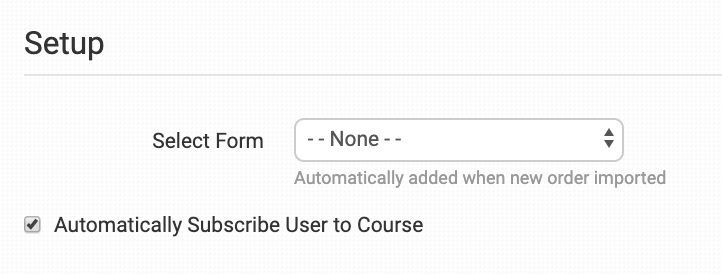
Select Form
Select the form that all new customers should be added to automatically.
If you would prefer to only add certain customers to certain forms, keep this option set to None. Instead, use the Rule Builder to tell Order Desk which orders should go to which forms.
Automatically Subscribe User to Course
If your form includes a course on the landing page, select this option to automatically sign the customer up for the course.