
Overview
Order Desk can import orders from your shopping cart(s), sync in your print details and then automatically send them on to Blackfish for fulfillment. When orders are shipped, the tracking details will be sent back to Order Desk and back to your shopping cart if your store is set up for it.
This guide explains how to set up and use the Blackfish integration.
Setup
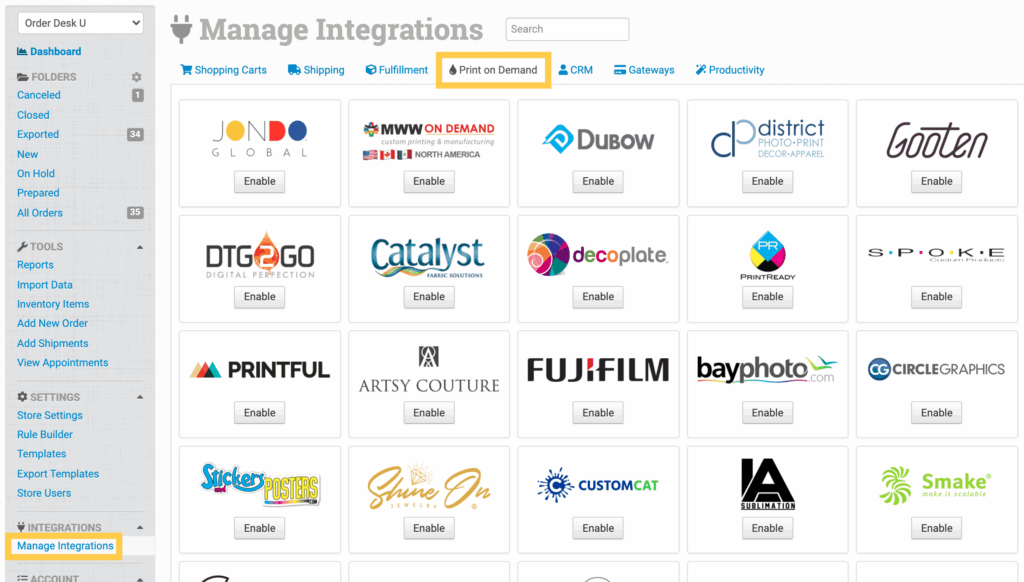
To connect to Blackfish, click on the Manage Integrations link under the Integrations menu in the left sidebar, and under the Print on Demand tab find and enable Blackfish.
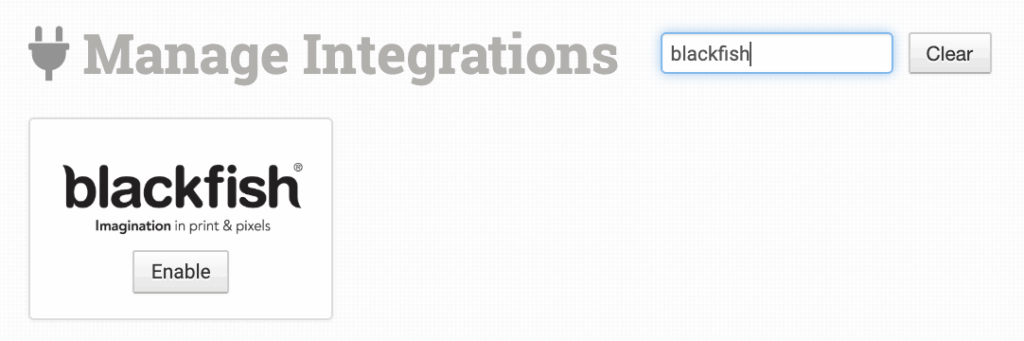
Alternatively, search for Blackfish from the available integration search.
Enter your FTP credentials from Blackfish and click to connect.
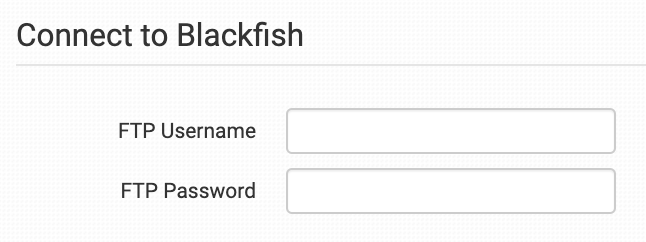
Please note that Order Desk isn’t able to help find or reset your credentials, as they can only be provided by Blackfish.
Integration Settings
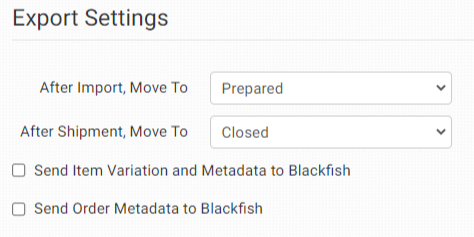
Once connected, you’ll have some shipment and integration settings to adjust per your preferences.
After Import, Move To
Select the folder you want orders to be moved into after they are successfully sent to Blackfish.
You can use one of the default folders already in your store or create your own. Read the Working with Folders guide for more information.
After Shipment, Move To
Select the folder you want orders to be moved into after Blackfish sends shipment details back to Order Desk.
Send Item Variation and Metadata to Blackfish
Check this option to send item variation and metadata to Blackfish with your orders.
Send Order Metadata to Blackfish
Check this option to send order metadata to Blackfish with your orders.
Product Settings
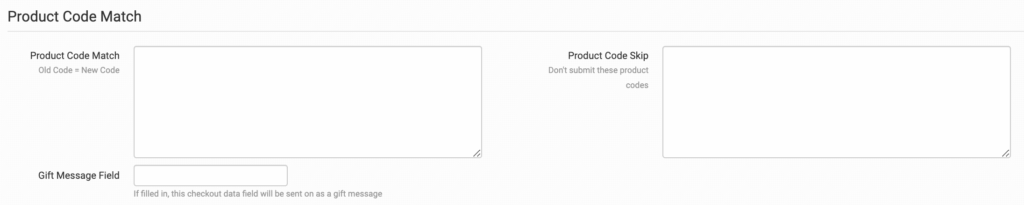
For more information on what these product settings within the Blackfish integration are for, please refer to the Print on Demand Product Settings guide.
Sending Orders to Blackfish
Getting your orders ready to send to Blackfish will take some set up time. For a detailed walkthrough of how to use Order Desk with your Print on Demand orders, please read through our Print on Demand Fulfillment guide.
Preparing Your Orders
The following details can be submitted for an order as either checkout data or order metadata.
| Field Name | Field Description |
| PackingSlip | URL for the PDF to be included as the packing slip with the order. Details here. |
| ShippingLabel | Link to the shipping label. |
Preparing Your Items
The following fields can be set as variations or item metadata for each item in an order.
| Field Name | Field Description |
| print_sku | Blackfish product code. |
| print_url | Link to the artwork file. For multi-print items, use print_url_1 through print_url_5. |
| print_preview | Link to preview of artwork. If no print_preview is set but there is an image field, that will be sent through as the preview. |
| size | The size of the product. |
| color | The color of the product. |