
Order Desk can hook up to Amazon Web Services and send your order details to an SQS Queue for processing by an outside service.
Setup
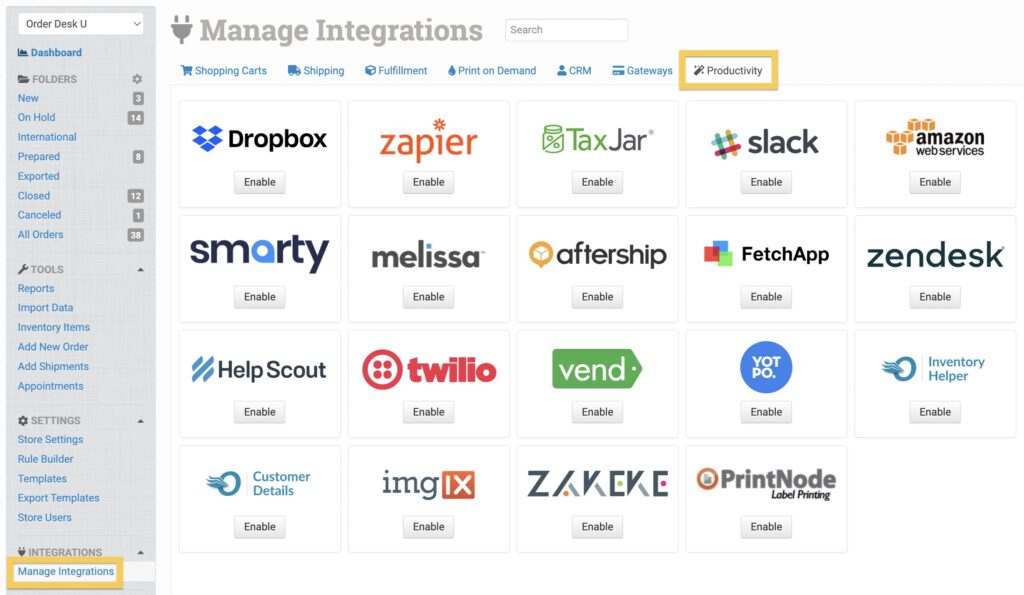
In Order Desk, click on Manage Integrations under the Integrations menu in the left sidebar. Under the Productivity tab, find and enable Amazon Web Services.
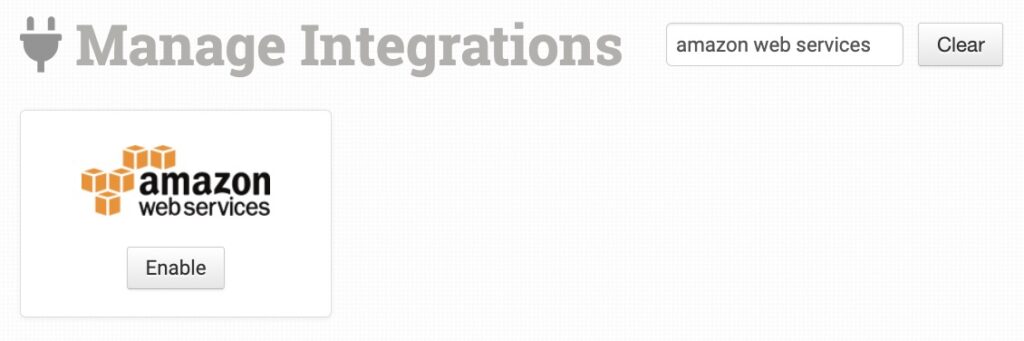
Alternatively, search for Amazon Web Services from the available integrations search.
To set up, please enter a valid AWS Access Key ID and Secret Key. Once you’ve entered these details, you’ll be able to select the region from which to select your Queues.
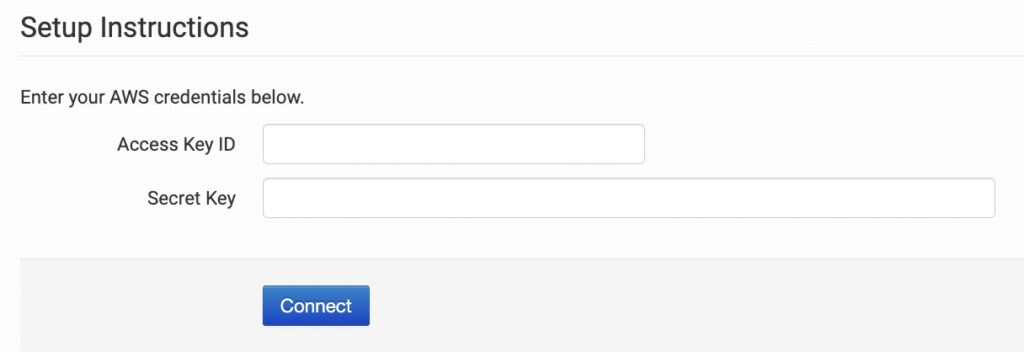
Please note that Order Desk isn’t able to help find or reset your credentials, as they can only be provided to you by Amazon.
Automating Submission
Create an Order Desk rule and select “Send Order to Amazon SQS” as the action. You’ll then be able to select the queue to which the order details should be delivered. You can also select “Send Order Items to Amazon SQS” in which case we’ll send one queue for each order item in the order.
What Gets Submitted
The Message Body will be the order or order item JSON. We will also attach metadata for the store_id, order_id, and order_item_id so that you can accurately determine from which store the order details were sent.